Attach before you drive
On PC, creator walkthroughs use Z to attach to an active call. Follow that call’s location, then the prompts shown on your device.
Controls & interactionsROBLOX · BLACKBOX EXPRESS · OAK RIDGE
YOUR NEXT CALL.
A CLEARER PLAN.
Answer the dispatch. Bring the right gear. Get everyone out. Practical guides for your next shift in Firefighting Sim.
01 / DISPATCH DESK
Start with an engine and a dispatch you can follow.
Work your first call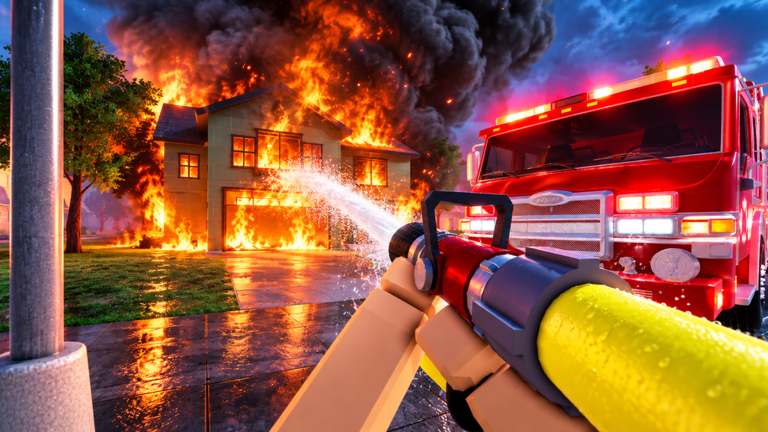
02 / BEFORE YOU GO
On PC, creator walkthroughs use Z to attach to an active call. Follow that call’s location, then the prompts shown on your device.
Controls & interactionsEquip the mask before entering smoke. Keep watching heat, smoke and health; it does not make standing in fire safe.
Know your equipmentCheck the trapped-victim objective separately. Carry victims outside alive and put them down; return to the call’s remaining tasks.
Rescue victims03 / THE CALL LOOP
Identify the incident and attach to the one you will work.
Choose an available vehicle and check what the scene needs.
Control the fire, search for victims and watch your condition.
Check remaining objectives and the call’s grading feedback.
04 / STILL ON SCENE
Check the rescue objective. Search the accessible rooms, carry a victim outside alive and put them down, then read the rescue feedback.
Work the rescueKeep the hose on burning spots and check the remaining incident objectives. For spreading bushfires, inspect perimeter trees and the containment display.
Stop the spreadLeave the danger area and watch recovery before returning. A smoke mask does not make standing in fire safe.
Check protection & tools05 / FIELD GUIDE
Full procedures, equipment references and clearly sourced update notes.
06 / SHIFT QUESTIONS
Blackbox Express’s Roblox game, place 102476635575386, set in Oak Ridge. These guides do not cover Firefighting Simulator: The Squad or Ignite.
Ricoko’s first-call guide recommends a fire engine for its hose setup. Start with an available engine, then use the live garage requirements when choosing your next vehicle.
Read the guideThe official game description advertises free private servers. The Update 2 event separately announces custom server controls; their access requirements are not stated in that event. Availability still depends on the options currently offered under Roblox Servers.
Read the guideNo working code is confirmed in the official sources checked October 10, 2026. We do not publish guessed codes or a redemption button that has not been established.
Read the guideThe game description lists PC, mobile and console with controller support. The specific Z attach instruction is PC guidance; use the prompts displayed on your device.
Read the guideIndependent fan wiki. Official features and attributed creator procedures are labeled in each guide. No own playtest is claimed.
Sources & version notes ↗